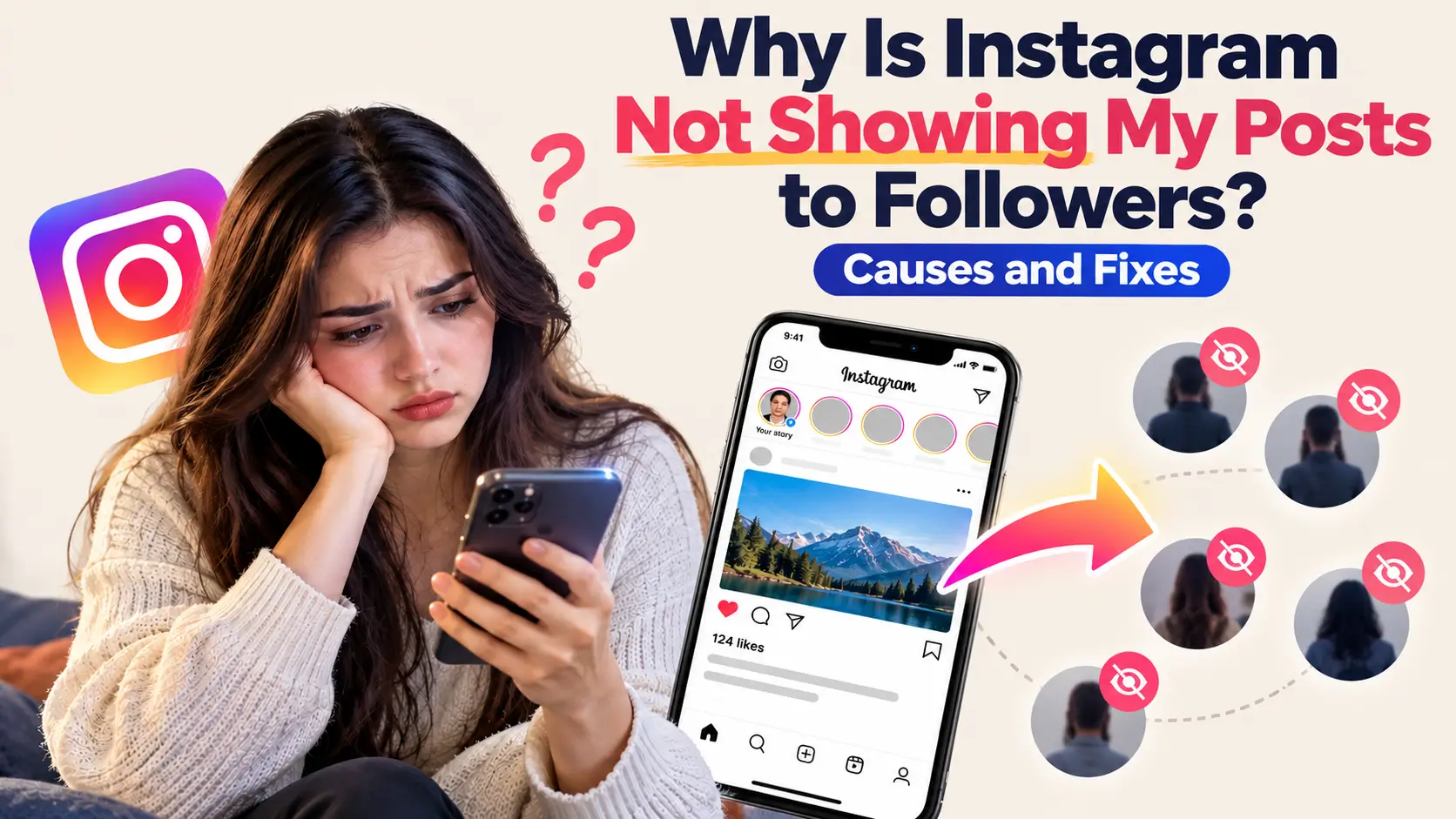
Posted something and it just sat there? Happens to nearly everyone. You get a handful of likes, and later someone tells you they didn’t even know you’d posted. Annoying.
Most of the time Instagram isn’t punishing you. It simply doesn’t hand every post to every person. Below you’ll find why that happens and what you can do about it.
Does Instagram Show Every Post to All Followers?
No, Say you have 1,000 followers. On a normal day, maybe a few hundred of them will see a given post. The rest scroll right past it or never open the app at all. Your feed works the same way for the accounts you follow. You don’t see everything either.
Instagram ranks Feed posts using signals such as your past interactions, interest in the content, and how recent the post is. TAs a result, the post shown to one follower may never appear for another. If they ignore it, it stays small. This explains why two uploads from a single day often perform nothing alike.
The Main Reasons Your Posts Are Not Reaching Followers
Some of these will sound obvious. A few won’t.
1. Low Early Engagement
When followers rarely interact with your posts, Instagram may rank your future content lower in their feeds. Early engagement can help, but there is no fixed one-hour deadline. If I had to name one cause, this would be it. The good news is that it’s the easiest one to work on.
2. Followers Don’t Interact With You Much
Think about the accounts you follow but never open. Instagram has noticed that about you. The app applies this exact logic to the people following an account. Anyone who hasn’t touched your content in a few weeks will see less and less of it, while the person who always answers your Stories keeps showing up in your audience.
3. Weak Content Quality
A studio-level setup is not required here. But a dark, shaky video or a photo that looks fuzzy after uploading will lose to a clean one. Reels carrying a leftover TikTok watermark also take a hit. Instagram doesn’t like those much.
4. Posting at the Wrong Time
Posting when most of your followers are inactive may reduce immediate engagement, although a post can still reach people later. When they finally wake up and open the app, plenty of newer posts are already sitting above yours.
5. Breaking Community Guidelines (Even by Accident)
People break rules without knowing it. Content that violates Instagram’s rules or recommendation guidelines may face removal or reduced eligibility for recommendations. Check Account Status to see whether Instagram has identified an issue.
6. Using Banned or Overused Hashtags
Some hashtags get banned because too many people spam them. If you use one, your post may not show up in that hashtag’s search results. Your reach on the rest of Instagram stays the same, but the tag still does nothing for you.
The opposite mistake is just as bad. A hashtag with 40 million posts moves so fast that your post gets buried in seconds.
7. Too Much Spammy Behavior
If your account moves faster than a real person could, it looks suspicious. Think of things like:
- Following and unfollowing a big batch of people in one sitting
- Hitting like on hundreds of posts in an hour
- Copying the same comment onto lots of posts
- Using bots or other apps that act for you
The app may slow your reach down to deal with that.
8. A Shadowban or Restricted Account
Instagram does not use “shadowban” as an official account status, but some content may become ineligible for recommendations. If several of your posts were removed lately, that could be the reason. To find out, open Account Status in your settings. Any limits placed on the account will be listed there.
9. Technical Problems
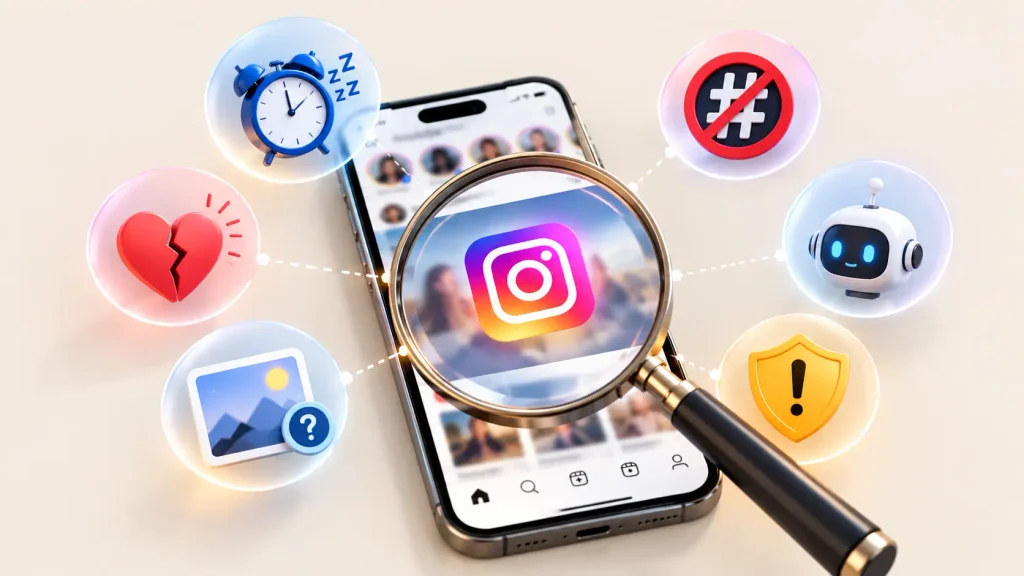
Sometimes it really is just the app. An old version, a bug, or bad signal can make a post look missing when it’s fine. Instagram also goes down now and then, and these hiccups mostly fix themselves within a day.
10. You’re Muted, Hidden, or Filtered by the Follower
A follower can mute you without unfollowing. Someone else might only scroll the Following tab or Favorites, so you won’t appear unless they added you. You can’t check this and you can’t change it, so don’t spend time worrying.
Quick Comparison: Cause and Fix
| Cause | What It Looks Like | Best Fix |
| Low early engagement | Likes stall right after posting | Post at busy hours and ask something in the caption |
| Inactive followers | Always the same handful of people | Reply to comments and share more Stories |
| Poor quality | Fuzzy images, logos on video | Upload clean, original files |
| Bad hashtags | Hashtag views stay at zero | Remove blocked ones and try smaller tags |
| Spam behavior | Reach falls after a busy week | Slow down and stop any bots |
| Restricted account | A notice in your settings | Delete the flagged post or appeal |
| Technical bug | Complaints from lots of users | Update the app and wait a day |
How to Check If Your Account Has Problems
Don’t start changing things yet. Look first.
Check Account Status
Head over to the profile page, tap the menu, and look for the Account Status option. If Instagram flagged anything or put limits on you, this is where it shows up. It takes under a minute.
Look at Your Insights
With a professional account, tap View Insights under a post. Look at how many accounts it reached and what share of them were followers.
If most of your reach comes from non-followers, don’t panic. That doesn’t mean Instagram is hiding your post from the people who follow you. Look at a few posts instead. See how many followers each one reached, and check if the same thing keeps happening. If every post gets very low reach overall, the problem is probably the content, not the account.
Ask a Few Followers
Text two or three followers and ask them to look for your latest post. Was it near the top of their feed? Did they have to scroll to find it? Maybe they couldn’t find it at all. Whatever they say will show you if this is a bigger problem or just a bad day for one post.
How to Fix It: Simple Steps That Work
You can try all of these today.
Post When Your Followers Are Active
Insights shows a Most Active Times chart. Pick the busiest hour and post a bit before it. Early reactions are worth a lot, so give the post an audience that’s awake.
Make Your First Hour Count
Don’t post and vanish. Stick around for about half an hour and reply to people as they comment. Add a simple question in the caption too, since folks love answering those. Good timing helps, but the post still needs to be something your followers actually care about.
Use Stories to Bring People Back
A lot of followers are quiet because they forgot you were there. Stories fix that fast. Share a poll, a question sticker, or a quick look at what you’re working on, then point to your new post. People who tap and answer start seeing you more often.
Try Different Formats
Stuck on photos? Test a Reel or a carousel. Reels can help you reach new audiences, while carousels let followers explore several images or tips in one post. Rotate between them instead of using one format for months, and see which one your followers like best.
Write Captions People Actually Read
Nobody wants a wall of text. Open with a line that makes people curious, then say what you really want to say. A short story or a useful tip works better than filler. Captions people react to get more comments and saves.
Clean Up Your Hashtags
Use a few hashtags that closely match your post, and skip the huge ones. Search each one first. When the results look weird or empty, skip it.
Stop Spammy Habits
If you’ve tried follow-unfollow tricks, auto-likers, or any bot, shut it all off. Open your settings, check the apps linked to your account, and remove anything third-party. Then use Instagram like a normal person for a few days.
Delete or Edit Flagged Posts
If Account Status shows a problem, read the reason first. Then edit or remove the post. If you think Instagram got it wrong, request a review and appeal the decision.
Update the App and Refresh Your Connection
Boring advice, I know, but it works more than you’d think. Update the app, restart your phone, and switch between Wi-Fi and mobile data. Still broken? Log out and back in.
How to Get More Followers to See Your Posts
Fixing errors is one part. The other is giving your audience a reason to care.
Talk to Your Audience
Answer comments and DMs. Drop by a few follower profiles and leave a real comment. Genuine interactions like these help Instagram learn which accounts your followers care about, though they can’t promise every post lands in every feed.
Ask Followers to Take Small Actions
Ask them to save a post, turn on notifications, or add you to Favorites. Just explain why. “Save this so you don’t lose the recipe” gets a better response than a plain “please save”.
Be Consistent
A post every few weeks won’t create any habit. Choose a rhythm you can actually keep, like three times a week. Showing up regularly beats posting a lot for ten days and then disappearing.
Create Content for a Clear Audience
If your page is about everything, it’s about nothing. Pick a topic and a style and stay with them. Followers then know what they’ll get, and that makes them stop scrolling.
Common Mistakes to Avoid
A few habits quietly hurt my reach.
- Deleting posts that didn’t do well. Leave them alone.
- Posting and walking away without replying to anyone.
- Sharing old content again with nothing changed.
- Changing time, format and hashtags in the same week. You won’t know which change helped.
How Long Does It Take to See a Change?
It depends on the cause. A glitch might be gone tomorrow. If the real problem was low engagement or your habits, expect a few weeks.
Look at your reach once a week, not every hour. You want a small climb over time. Don’t expect a sudden jump, since those are rare.
Final Thoughts
When posts stop reaching people, the reason is usually smaller than it feels. A slow start, a quiet audience, bad timing, or a glitch in the app can all do it.
Check Account Status and your Insights first, then fix anything that is clearly off. After that, keep posting and keep talking to your followers. Give it two or three weeks before you judge the results.